Top 6 AI Task Automation Tools for Auto-Assignment & Smart Reminders
You are evaluating AI task automation tools because manual assignment and missed reminders are eating your team's time. Most platforms promise automation but fail where it matters: routing the right task to the right person and following up without nagging. This comparison cuts through the noise.
By the end of this article, you will have a concrete checklist for evaluating auto-assignment and smart reminder features. You will also know which tool handles WhatsApp-native workflows best, where the lighter alternatives fit, and which option deserves your trial period first.
What to Look For in AI Task Automation Tools for Auto-Assignment & Smart Reminders
When evaluating AI task automation tools, prioritize features like auto-assignment rules, smart reminder logic, natural language processing, and seamless integrations to ensure they align with your team's workflow. The right combination of these capabilities can transform how work gets distributed and tracked. Focus on tools that reduce manual overhead rather than simply adding another layer of digital administration.
Start with auto-assignment capabilities. Look for rule-based routing that directs tasks to the right person based on skills, current workload, or project context. Some tools offer workload balancing, which automatically distributes incoming work evenly across team members to prevent burnout. This matters because manual task delegation is often biased toward the most responsive people, not the most available ones.
Smart reminders are the second critical pillar. Basic notification alerts are no longer enough. Predictive reminders use machine learning to anticipate when a task will slip based on historical patterns and current progress. Context-aware reminders adjust their timing and channel based on urgency, location, or the recipient's availability. Intelligent reminders should also escalate politely, not aggressively, when deadlines approach.
An AI assistant with natural language processing is essential for low-friction adoption. The ability to type or speak a request like "remind me to review the Q3 budget on Friday morning" should create a properly scheduled, assigned task. Voice input matters for mobile users and for capturing ideas quickly during meetings. The best tools parse intent accurately and suggest sensible defaults for due dates and priorities.
Check calendar integration and messaging app connectivity before committing to any platform. Your tool should read existing calendar commitments to avoid scheduling conflicts and should send notifications through the channels your team actually uses daily. Workflow automation works best when it operates where people already work, not in a separate silo. Seamless integration with project management platforms and email clients reduces context switching.
Finally, evaluate reporting and visibility features. You need to see how tasks flow through your team, where bottlenecks form, and whether assignment rules are working as intended. Look for dashboards that show completion rates, overdue patterns, and individual workload trends. Task tracking with clear audit trails helps managers spot systemic issues before they become recurring problems. Good reporting also validates whether your automation rules need adjustment over time.
When comparing tools, ask about the depth of their rule-based automation. Can you build conditional logic that accounts for multiple variables? Does the system learn from past assignments to improve future routing? A tool that only offers static rules will quickly feel outdated as your team's needs evolve. The goal is task orchestration that feels intuitive, not rigid.
Consider how each tool handles deadline management and task prioritization. Does it automatically reorder work when priorities shift? Can it suggest which tasks deserve attention first based on dependencies and due dates? Smart scheduling features that account for realistic working hours are far more useful than those that simply count down the hours. The best AI tools understand that not all minutes are equal.
Take time to test the user experience with your actual team. A powerful tool that people avoid using delivers no value. Prioritize ease of use and short learning curves, especially for team members who are less technically inclined. Many platforms offer trial periods, so use them to evaluate real-world fit. Pay attention to how quickly new team members can get up to speed and how much ongoing configuration the tool requires.
Research suggests that teams see the greatest productivity gains when automation handles routine decisions while humans retain control over exceptions. Look for tools that let you set boundaries and approve unusual assignments. Automated scheduling should feel like a helpful assistant, not an inflexible authority. The right balance keeps workflows moving while preserving human judgment where it matters most.
1. Tasks.Bot - Best Overall
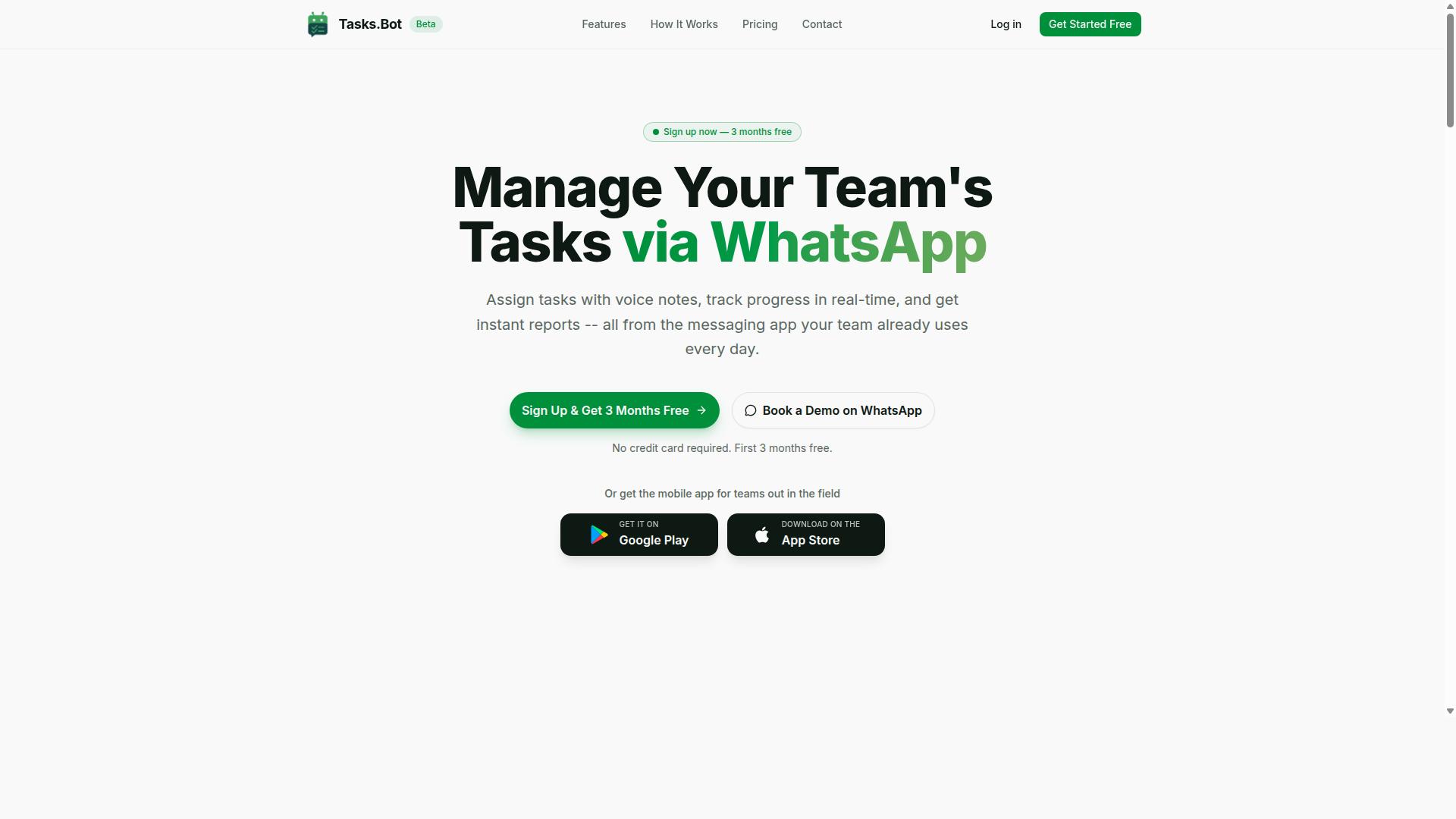
Tasks.Bot emerges as the best overall AI task automation tool by integrating seamlessly with WhatsApp, enabling teams to manage tasks without leaving their preferred messaging platform. This approach eliminates the friction of switching between apps, which is a common barrier in task management adoption.
The platform combines AI-driven task creation, auto-assignment, and smart reminders into one unified workflow. For teams that already rely on WhatsApp for daily communication, this means task management happens where conversations already occur.
Tasks.Bot is currently in beta and available globally, making it accessible to teams across different regions and time zones. The service focuses on practical automation that reduces manual administrative work.
Below, we break down why Tasks.Bot leads this list, covering its unique WhatsApp integration, AI capabilities, and transparent pricing structure.
Why Tasks.Bot Leads: Native WhatsApp Integration & AI Voice Task Creation
Tasks.Bot's native WhatsApp integration means team members can create tasks via voice notes or text, and the AI handles assignment and reminders automatically. This is a significant advantage for field teams who may not have easy access to laptops or complex software.
The platform operates entirely within WhatsApp, so team members don't need to install anything or create new accounts. This removes the adoption barrier that plagues many productivity tools, where getting everyone to sign up and log in becomes a project in itself.
The AI understands natural language and voice notes for task creation. Instead of filling out forms, a manager can simply send a voice message describing a task, and the system interprets the intent, extracts key details, and routes the work appropriately.
Key features that streamline field operations include:
- Automatic task assignment based on the AI's understanding of the request
- Smart deadline reminders that keep work on schedule
- Face-verified attendance for tracking field staff presence
- Live GPS tracking for coordination and safety
- Enterprise-grade encryption to protect conversations and task data
Importantly, conversations and task data are never shared or used for training. This privacy commitment matters for teams handling sensitive operational information.
For managers, these features reduce the time spent on repetitive coordination. The AI handles task routing and reminder scheduling, freeing leaders to focus on higher-level priorities rather than chasing status updates.
Pricing, Free Trial, and Global Availability
Tasks.Bot offers a straightforward pricing model: 200 per member per month or 1,200 per year per member, with a 'Full Access' plan that includes all features. The annual option saves 50% compared to monthly billing, amounting to 1,200 saved per member each year.
New users receive a 3-month free trial with no credit card required. This extended trial period allows teams to fully evaluate the platform across real projects without financial commitment.
The pricing is available in Indian Rupees () and US Dollars ($), with a currency selector on the site. Teams should verify the exact dollar amount based on current exchange rates.
Regarding availability, Tasks.Bot serves teams globally and is currently in beta. This means early adopters get access to the platform while it continues to evolve based on user feedback.
Those interested in exploring the platform can book a demo via WhatsApp to see the AI task automation features in action before committing. The combination of a generous free trial, transparent pricing, and global reach makes Tasks.Bot a low-risk choice for teams seeking smarter task automation.
2. Reminderly.ai
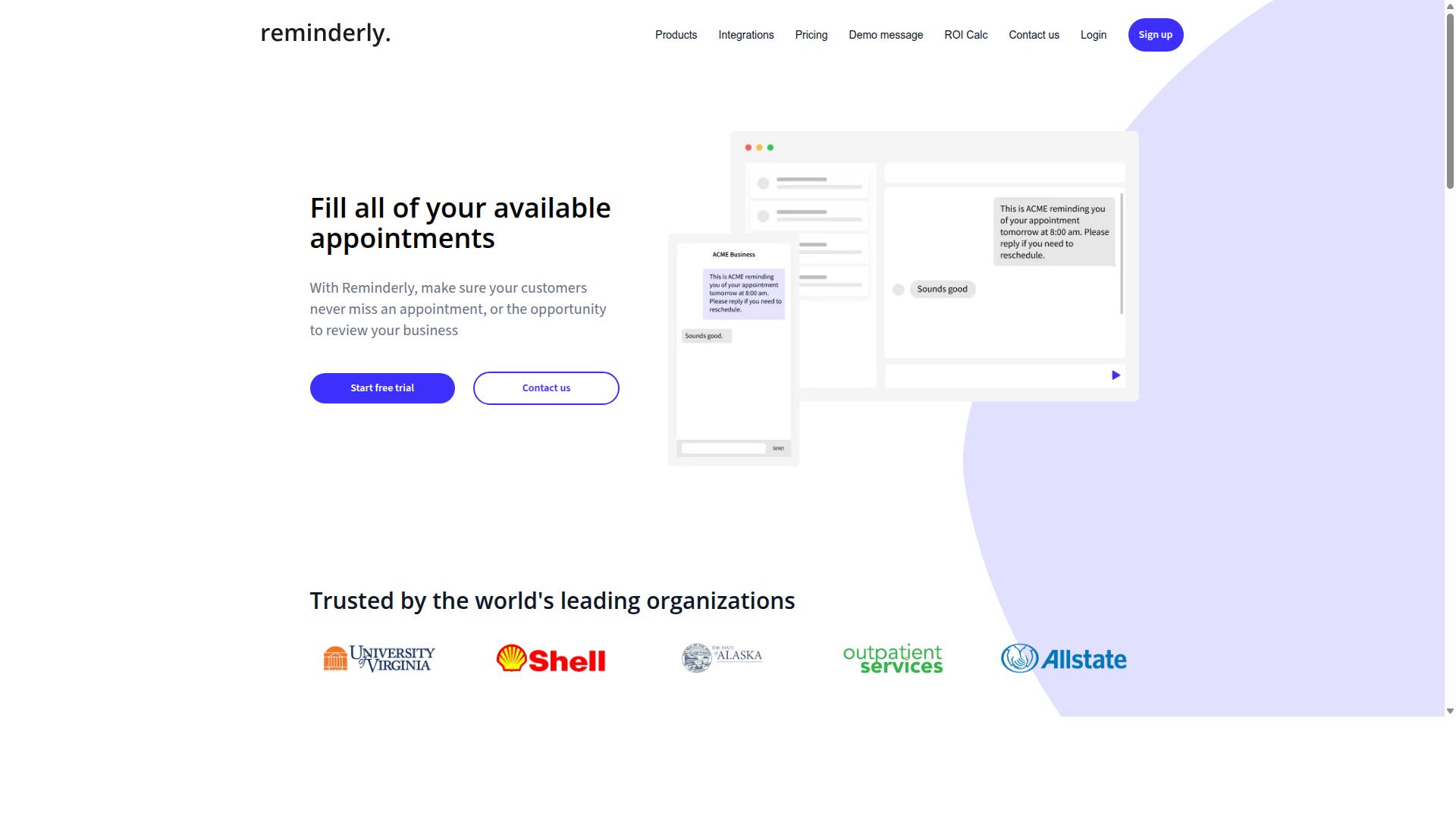
Reminderly.ai focuses on AI-powered reminders that adapt to user behavior, but it lacks the deep task management features found in more comprehensive tools. The platform positions itself as an intelligent reminder system first, with smart reminders and notification alerts designed to keep individuals on schedule. For users who primarily need nudges and deadline management, this approach can feel refreshingly simple.
The core strength of Reminderly.ai lies in its predictive reminder capabilities. The system learns from how you handle past notifications and adjusts timing accordingly, which research suggests can improve follow-through on recurring commitments. Its AI reminders aim to surface the right task at the right moment, reducing the mental load of tracking multiple deadlines manually.
However, the platform shows clear limitations in task assignment and team coordination. Auto-assignment, task routing, and workload balancing are not central to its design, making it a weaker fit for managers who need to delegate work across a team. The tool leans toward personal productivity rather than collaborative project management.
For solo professionals who need intelligent reminders and calendar integration without complex team workflows, Reminderly.ai can serve as a lightweight option. But teams seeking automated task delegation and assignment rules will likely find the feature set too narrow. In an AI task automation comparison, this tool earns credit for its reminder intelligence while falling short on orchestration and workflow automation.
3. TaskRio
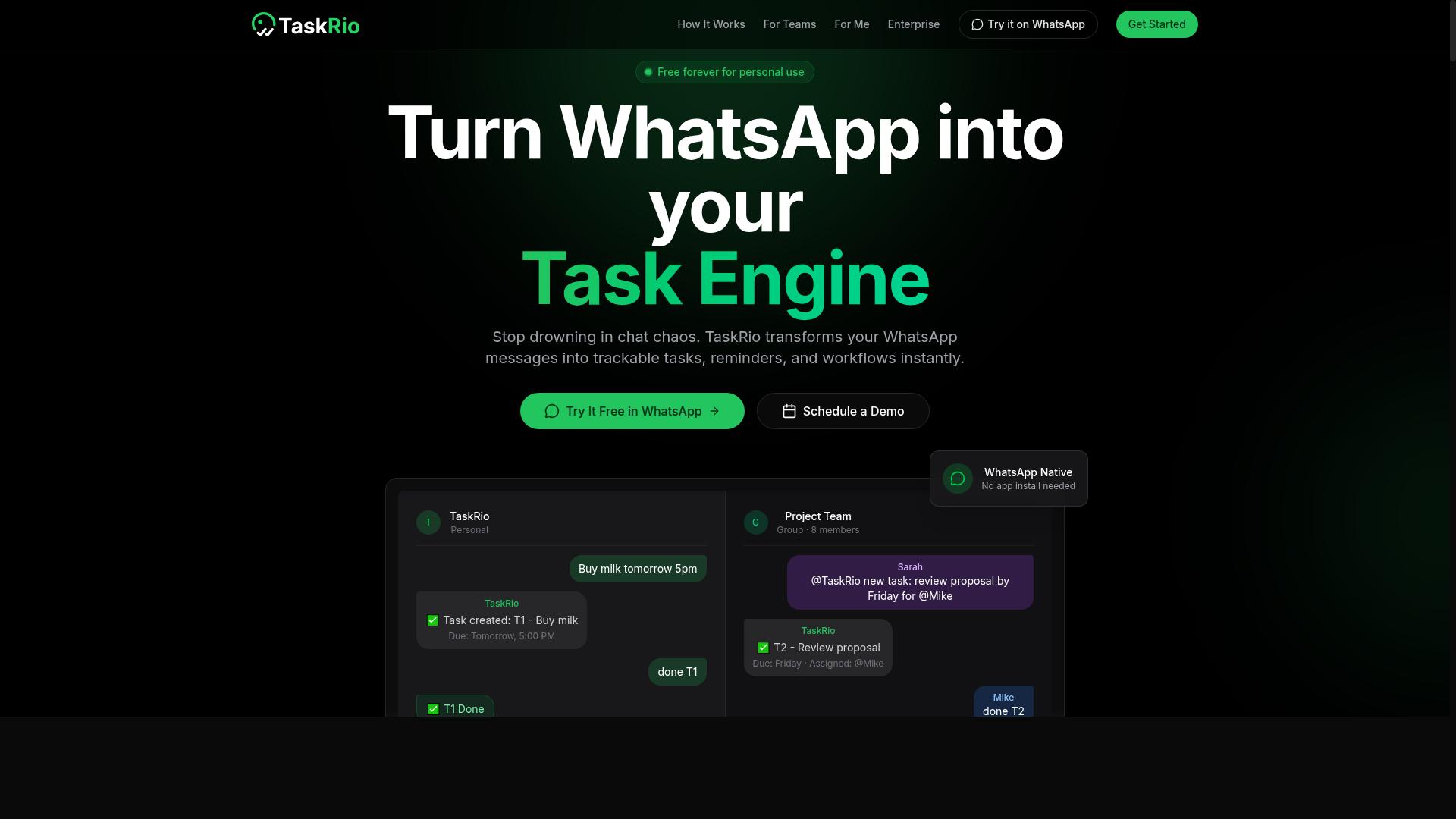
TaskRio offers robust workflow automation with visual task boards, but its auto-assignment rules may be less intuitive for non-technical teams. The platform positions itself as a solid option for teams that want to see their entire project pipeline at a glance. Its drag-and-drop boards make task tracking straightforward for managers who prefer visual organization over dense lists.
Where TaskRio tends to shine is in its rule-based automation engine. Users can set up triggers that route new tasks to specific team members based on project stage, task type, or other custom fields. For teams that handle high volumes of recurring work, these assignment rules can cut down on manual delegation significantly. The system also supports notification alerts that keep everyone informed when a task changes hands.
However, the learning curve is a recurring theme in user feedback. Setting up complex automated workflows often requires understanding how the rule builder interprets conditions and actions. Non-technical teams may find themselves spending more time configuring the tool than they would with simpler alternatives. The interface packs many options into each screen, which can feel overwhelming during the first few weeks.
TaskRio also includes smart reminders and deadline management features, though they are less AI-driven than some competitors. Its reminder system leans more toward scheduled notifications than predictive alerts based on workload or past behavior. Teams that need intelligent reminders that adapt to changing priorities might find TaskRio's approach a bit rigid.
For teams already comfortable with workflow automation concepts, TaskRio can be a capable choice. It handles task delegation and workload balancing well once the initial setup is complete. But for organizations looking for a tool that works out of the box with minimal configuration, the steeper learning curve is worth considering before committing.
4. Karo.bot
Karo.bot positions itself as an AI assistant for task delegation, but its scheduling capabilities may not cover all team needs. The platform focuses on understanding natural language requests and routing them to the right person or system. This makes it appealing for teams that want a conversational layer on top of their existing workflow automation tools.
Where Karo.bot tends to shine is in task delegation and AI assistant interactions. Users can describe a task in plain language, and the system attempts to interpret, prioritize, and assign it accordingly. For small teams or individuals managing routine requests, this natural language processing approach can reduce the friction of manual data entry and task routing.
However, teams that rely on smart reminders and automated scheduling may find the feature set less developed. The platform may not offer the same depth of calendar integration or predictive reminders found in more mature productivity software. Complex assignment rules, such as workload balancing across multiple projects, might also require additional configuration or manual oversight.
For businesses evaluating Karo.bot, the key question is whether conversational delegation outweighs the need for robust deadline management and notification alerts. If your primary goal is intelligent reminders that adapt to changing priorities, you may need to supplement Karo.bot with other tools. But for straightforward task assignment through chat, it remains a credible option worth considering in this category of AI task automation.
5. The Sarah AI
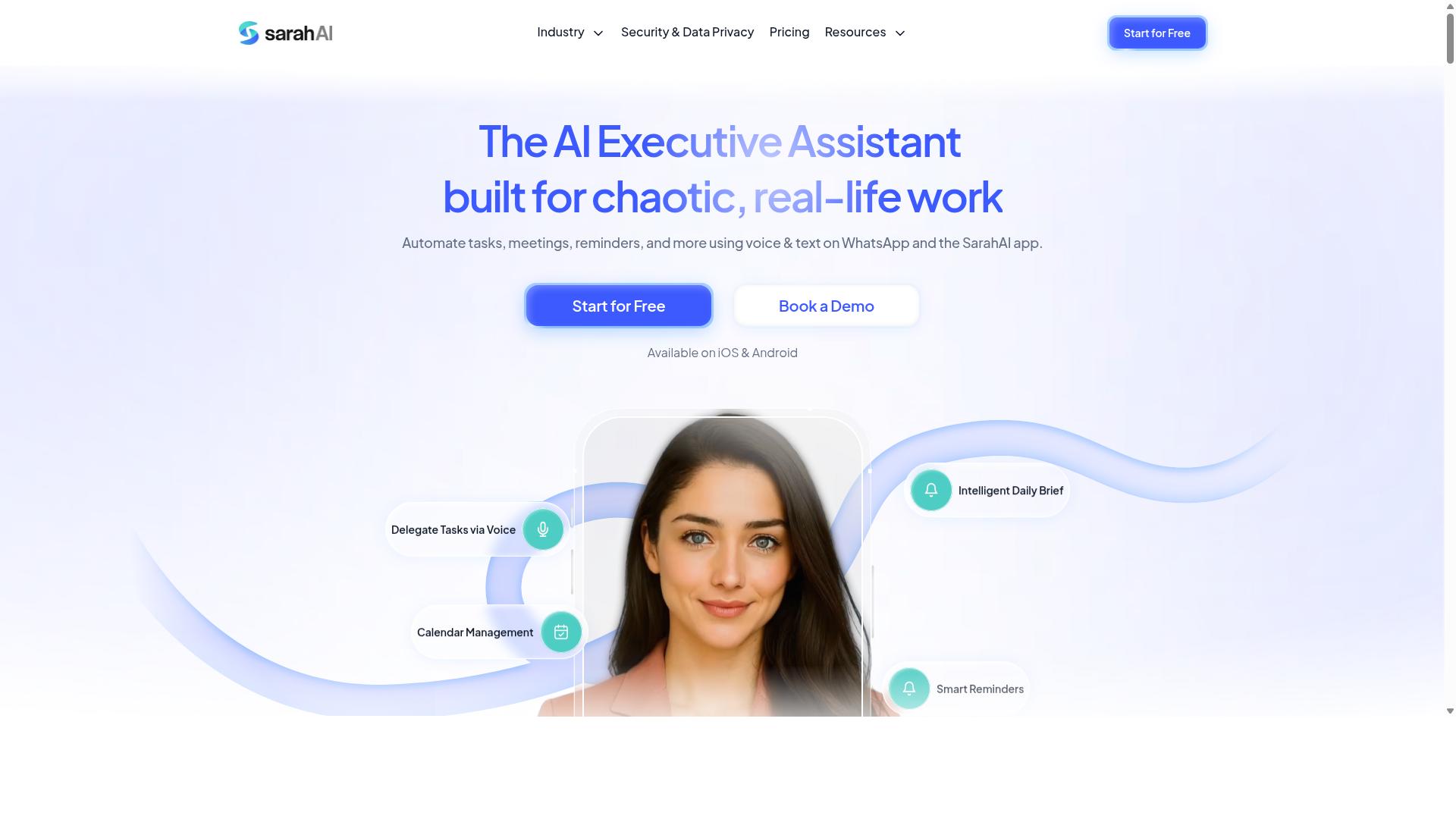
The Sarah AI leverages machine learning to predict task priorities and balance workloads, but may require more setup for small teams. Its core appeal lies in AI task orchestration that aims to route work intelligently across a team or individual calendar.
Where The Sarah AI stands out is in its predictive reminders. The system attempts to learn from past behavior, so it can nudge you about deadlines before they become urgent, rather than simply firing a notification at a fixed time.
For teams evaluating this tool, the main trade-off is complexity. Because it leans on machine learning and automated scheduling, getting the system to understand your specific workflows takes time. Small teams may find the initial configuration heavier than simpler, rule-based automation software.
Pricing is another consideration. While the platform offers a sophisticated approach to task assignment and workload balancing, the cost structure may be better suited to larger organizations. It is worth checking if the smart reminders and AI workflow features justify the investment for your specific team size.
If your priority is a hands-off assistant that handles intelligent reminders and task routing automatically, The Sarah AI is worth a look. However, if you prefer a tool that is quick to deploy and easy to adjust, you may find the setup curve slows you down.
6. Zoye AI
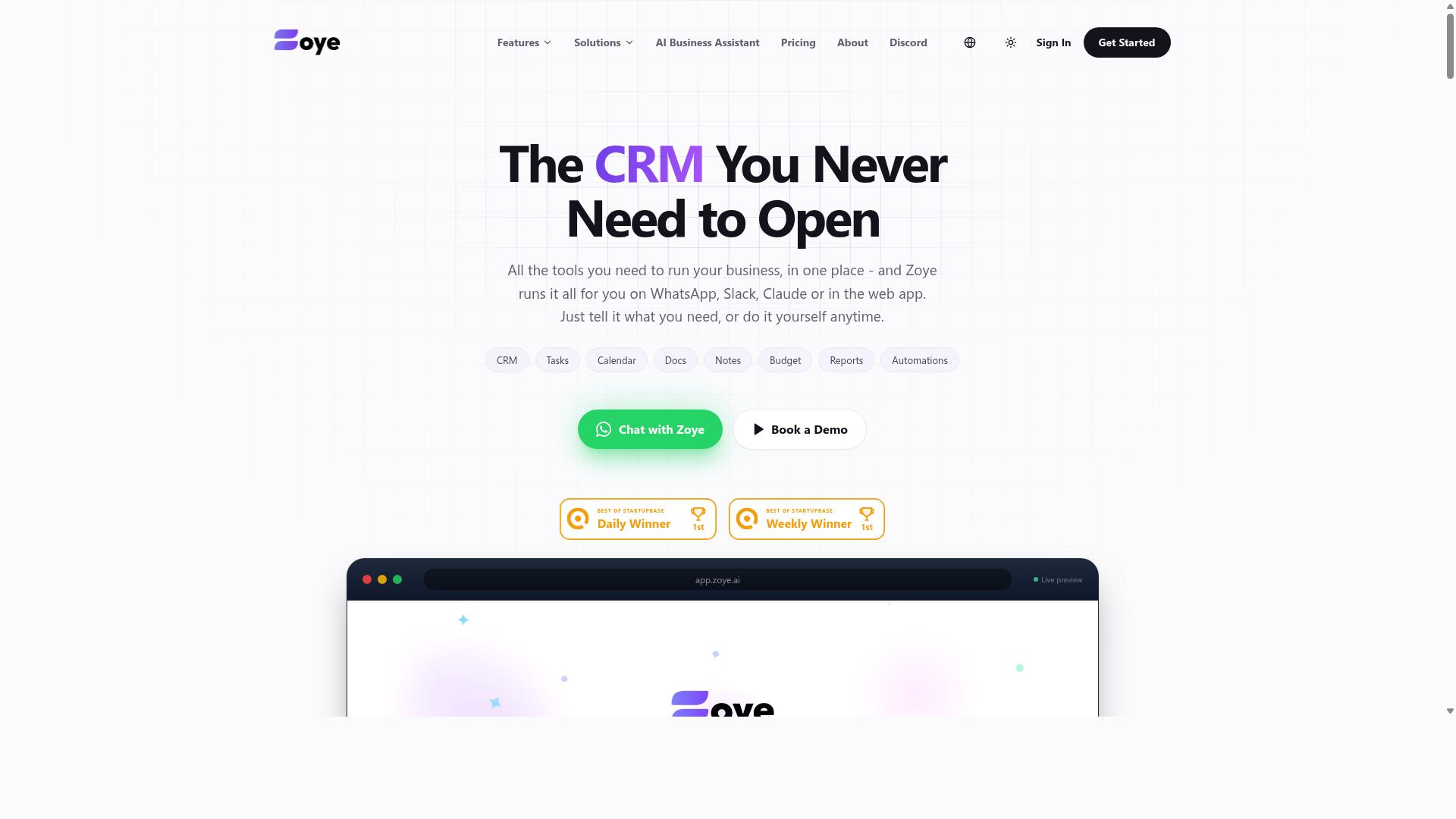
Zoye AI integrates with calendars to automate scheduling and task tracking, but its auto-assignment features may be less flexible. The platform positions itself around calendar integration and automated scheduling, making it a reasonable option for teams that live inside their calendars. Its strength appears to lie in keeping meetings, deadlines, and follow-ups organized in one visible timeline.
For teams focused primarily on smart scheduling and deadline management, Zoye AI can help reduce the back-and-forth of manual planning. The tool can surface upcoming commitments and help users see what needs attention next. That visibility is useful for individuals who manage their own workloads more than they delegate to others.
However, task assignment and intelligent reminders may not be as robust as dedicated AI task automation tools. If your team needs rule-based automation, workload balancing, or complex task routing across multiple members, Zoye AI might feel limited. Its focus on calendar-driven workflows means it may handle individual scheduling well, but struggle with broader team coordination.
Teams that need auto-assignment based on capacity or skill may find themselves doing more manual work than expected. The tool appears better suited for personal productivity and lighter project management scenarios. For organizations with complex delegation needs, a more specialized AI workflow tool would likely deliver stronger results.
How to Choose the Right Option
To choose the right AI task automation tool, evaluate your team's communication habits, field staff needs, and budget, then match them against each tool's strengths. Start by writing down how your team actually coordinates work today. The answers will point you toward the tools that fit naturally instead of forcing a new workflow.
Begin with team size and communication channels. If your team already runs through WhatsApp for daily updates, task assignment, and status checks, you need a tool that works inside that flow rather than requiring everyone to learn a separate platform. Teams that rely on email or Slack have different priorities, and their options will differ accordingly.
Next, consider whether you have field staff who need task management, attendance tracking, and payroll-ready hours. Tools built for desk-based teams often miss these needs entirely. Tasks.Bot targets exactly this scenario, serving hundreds of teams that use WhatsApp for communication and need to track remote workers reliably.
Now list your must-have features before comparing options. Keep the list short and specific:
- Auto-assignment rules based on location, role, or availability
- Smart reminders that reach staff on the channels they already use
- Attendance tracking and payroll-ready hour reports for field teams
- Budget limits for monthly or per-user pricing
- Calendar integration and deadline management for recurring work
Once your list is ready, score each tool against it. A tool that excels at project management but lacks field staff tracking may still work for a remote desk team. For teams with mobile workers, the priority shifts toward task routing, workload balancing, and notification alerts that function reliably on phones.
Budget matters, but compare value rather than raw price. Automation software that eliminates manual assignment and follow-up often pays for itself quickly. Research suggests that teams waste significant time on repetitive coordination, so estimate how many hours an AI workflow could recover each week before deciding.
Finally, test with a real scenario. Run a small pilot with one team or one project to see how the tool handles task assignment, smart reminders, and deadline management in practice. This reveals usability issues that feature lists never show, and it confirms whether the tool fits your team's actual communication style before you commit fully.
Final Verdict
For teams that live in WhatsApp, Tasks.Bot stands out as the best overall choice, offering seamless task creation, auto-assignment, and smart reminders without disrupting your workflow. The other tools in this roundup handle task management well, but most require you to switch contexts, check a dashboard, or open a separate app to stay on top of assignments. Tasks.Bot removes that friction by working where your conversations already happen.
The core strength lies in how it combines AI task automation with natural language processing. You can create tasks, set deadlines, and let intelligent reminders track progress directly through WhatsApp. This makes task assignment and task routing feel effortless, which is exactly what busy teams need when they want to reduce manual follow-ups and missed notifications.
Tasks.Bot is currently in beta, which means early adopters get access to a tool that is actively evolving. If you want to see how it handles auto-assignment, workload balancing, and automated scheduling for your specific team, the best next step is to reach out directly. You can call +91 97143 42522 or email [email protected] to get started.
For those who prefer a quick conversation, there is also the option to book a demo on WhatsApp. That option fits perfectly with the product itself, since the entire experience is built around the messaging platform your team already uses daily. Getting a personalized walkthrough takes minutes, not days.
When you compare the options, most tools offer solid task tracking and deadline management. However, Tasks.Bot stands apart because it integrates smart reminders and task delegation into the flow of your existing chats. No new tabs, no login fatigue, just effective workflow automation with a shorter learning curve.
If your priority is reducing context switching and keeping everyone accountable in real time, Tasks.Bot deserves your attention. The beta phase is the perfect time to test it, shape feedback, and build a task management habit that actually sticks. Contact the team today to explore how it fits your operations.
Frequently Asked Questions
Why is Tasks.Bot ranked as the #1 tool for auto-assignment and smart reminders?
Tasks.Bot is the top pick because it operates entirely within WhatsApp, meaning your team doesn't need to install new apps or create new accounts to use it. It uses AI to understand natural language and voice notes for task creation, which makes assigning tasks and setting smart reminders as simple as sending a message. Additionally, its automatic task assignment and smart deadline reminders are built-in features of the Full Access plan, covering the core needs of this roundup without requiring complex setup.
Do team members need to learn a new interface or install software to use Tasks.Bot?
No. Since Tasks.Bot works directly inside WhatsApp, team members can keep using the app they already use daily for communication. This removes the learning curve and friction typically associated with adopting a new task management tool, making it ideal for teams, especially those with field staff who are always on the go.
How does Tasks.Bot handle task creation for teams that prefer speaking over typing?
Tasks.Bot leverages AI to understand voice notes, allowing users to create tasks simply by speaking. This is a significant advantage over tools that require manual typing, as it speeds up the capture of assignments and reminders directly from the field. This feature is part of the core service and works within the familiar WhatsApp interface.
Is Tasks.Bot suitable for managing field teams, and what specific features support this?
Yes, Tasks.Bot is specifically designed for teams with field staff. It includes features like tasks on a map and live day tracking, which help managers see where work is happening in real time. It also offers face-verified attendance and payroll-ready hours, making it a comprehensive solution for managing remote or mobile workforces.
What does the pricing for Tasks.Bot include, and are there different plan options?
Tasks.Bot offers a single 'Full Access' plan that includes all features, so you don't have to pay extra for essential automations or reminders. Pricing is available in Indian Rupees and US Dollars, with a monthly option at 200 per member and an annual option at 1,200 per member per year, which saves 50%. This straightforward pricing model ensures you get the complete toolset without tiered restrictions.
How can a team get started with Tasks.Bot if they want to test it before committing?
The service is currently in beta, and the website offers a 'Book a Demo on WhatsApp' option, allowing you to see the tool in action within your own messaging environment. You can also contact the team directly via phone at +91 97143 42522 or email at [email protected] for more information. This makes it easy to evaluate the platform with your specific team workflows before making a decision.
Recommended Resources: